PC-versionen av Dishonored 2 äntligen spelbart
Patch 1.2 ska lösa en stor mängd prestandaproblem
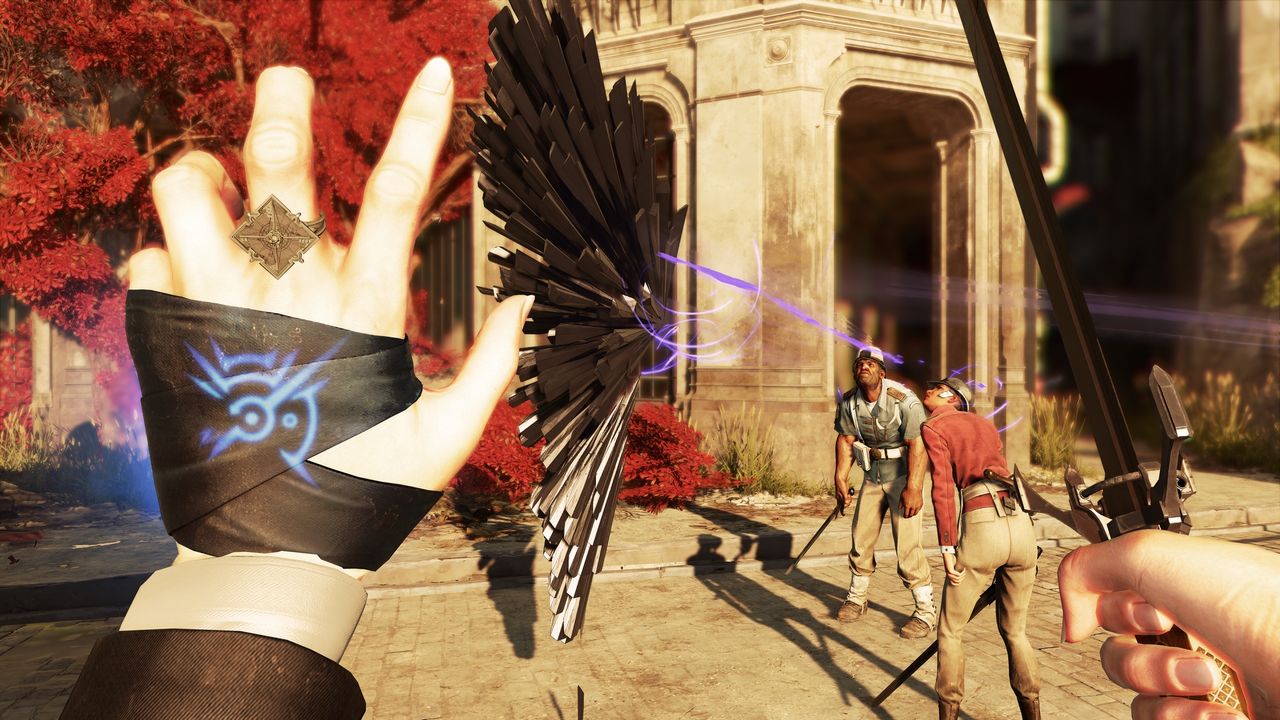
Dubbla GTX 1080 räckte knappt för att spela Dishonored 2 när spelet släpptes för några veckor sedan. Arkane Studios har sedan dess jobbat hårt med optimering av spelet och nu har gänget äntligen släppt betaversionen av Patch 1.2 som ska lösa en stor mängd problem med spelet. För det första så fixar Patch 1.2 Beta en rad olika prestandabekymmer, vilket gör att du kommer få en rejäl fps-boost så fort du installerar patchen. Utöver det har Arkane fixat en del med gränssnittet, AI:n samt löst problemet vissa användare med fler monitorer har haft. Betapatchen kommer du åt genom att via Steam gå in i spelets inställningar och klicka dig fram och aktivera beta. Hela listan med ändringar hittar ni i faktarutan här nere.Bonusvideo med Easy Allies, gamla Gametrailers, recension av Dishonored 2 hittar ni också här nere.
beta-community.bethesda.net
Spel,
PC,
dishonored 2,
arkane studios
Patch 1.2 Beta
Update v 1.2 overview: General performance and optimization improvements
Auto-detection of the Visual settings was re-worked based on player feedback and observed issues. If still experiencing issues after updating drivers and downloading patch 1.2, advise using the “Restore Settings” option to apply the recommended settings for your hardware.
Max pre-rendered frames is now managed by the game, advise removing any previous manual customizations in graphics driver control panel
Fixes multiple issues related to game logic
Fixed various issues related to user interface
Fixed various issues related to mouse/KB and gamepad
Fixed various issues related to using alt-tab related bugs
Fixed various issues related to multiple monitors
Added new settings in the Options menu:
Added a Framerate Limiter so the player can limit framerate fluctuation when playing without V-sync
Added TAA Sharpness option
Added more options to V-Sync settings
If you had previously disabled V-sync, please check your FPS limiter setting to ensure it is set to your desired limit.
Added Triple Buffering option
Update 1.2 notes:
Performance Reduced framerate stuttering
Added a customizable FPS limiter to reduce the fluctuation
Framerate capped at 120 FPS to prevent physics issues which occur only above 120fps
Max pre-rendered frames is now managed by the game
Adjusted Texture Details settings to make a significant visual and performance change
Fixed a bug where AMD GPU experienced huge framerate drops when there is cloth simulation in the environment
Adjusted ocean settings for perf improvement
Added frequency in V-sync UI
Fixed a bug where VRAM usage was higher than available VRAM
Fixed a bug where auto-detected settings were set too high for certain hardware
Added HBAO+ support for AMD GPUs
Fixed a bug where turning HBAO+ ON created some bad shadowing on player's hands
Removed Environment Details settings as it was strongly tied to View Distance
Removed Fog Quality settings as it was not impacting the visuals or providing performance advantage
Adjusted auto detected settings for R9 290X2
Fixed a bug where Water Quality settings was only impacting ocean, not canals or pools
Improved CPU cores utilization on high and low-end machines
Mouse, Gamepad, and Controls
Fixed a bug where mouse sensitivity was framerate dependent
Fixed a bug where the controller vibrates continuously it the player switched from gamepad to mouse and keys while the gamepad was vibrating
Fixed a bug where Aim Friction didn't work with a gamepad
Fixed a bug where the gamepad could not be recognized if plugged after the game was ran
Fixed a bug where resolution could not be changed with mouse
Mouse smoothing setting is now set to minimum by default (setting won't get overwritten if customized by the player)
Alt+Tab Fixed a bug where using ALT + TAB could result in endless switch between the game and other programs
The player can no longer bring up the Pause menu when using ALT + TAB while dying
Fixed a bug where the bug kept on registering mouse movements while in background after the player used ALT + TAB to switch to another program
Crash Fixes Fixed a bug where the game could crash if the player decided to leave the Clockwork Mansion while Clockwork Soldiers were beheaded
Fixed a bug where the game crashes if the player attempted to go into visual settings menu after disconnecting a monitor in game
Fixed a crash when selecting a video card without a monitor attached to it
Fixed a bug where game could freeze in "Another Strange Visit" when opening the weapon wheel with Middle Click button
Menu and Options Fixed a bug where the collar of the player was visible while using Shadow Walk assassination in large FOV
Fixed a bug where the game could stretch the resolution to fit screen while using a non-native resolution and switching from Borderless Windowed Mode to Windowed Mode
Fixed a bug where the menu was not filling the whole screen in some resolutions
Fixed a bug where Mouse Smoothing setting was sometimes not properly displayed even though it was properly saved
Fixed a bug where ‘Unassigned’ text for unassigned buttons overlaps nearby text with Keyboard and Mouse controls
Fixed a bug where the player was unable to switch to Full Screen or Windowed Mode after he switched to Borderless Windowed Mode
Added a Framerate Limiter so the player can limit framerate fluctuation when playing without V-sync
Added TXAA sharpness setting
Changed the Aim Assist settings to be more clear
Added Triple Buffering option
Added more choices to V-Sync settings
Monitor/Resolution Fixed a bug where restoring default settings activated the second monitor as the default monitor
Fixed a bug where the game switched to Borderless Windowed when the player changed resolution while in windowed mode
Fixed a bug where the game was displaying a black screen if the resolution was set to 1786 x 992 in full screen
Fixed a bug where expiration of change monitor confirmation dialogue while game is minimized can cause display to stop functioning
Fixed a bug where Resolution Scaling was deactivated when the game ran above 30 FPS
Changed the Resolution Scaling settings for a better understanding
Added resolution ratio to the Resolution drop list
Fixed a bug where resolution scaling setting was not saved when quitting the options menu
Fixed a bug where the current game resolution was applied to the monitor when switching monitor even if this resolution was not supported
UI
Fixed a bug where mouse Wheel pop up will highlight as selected incorrect slot after holding key corresponding to an empty slot
Fixed a bug where initiating Black Market shop with keyboard displays gamepad prompts on menu until additional keyboard or mouse input
Blink, Far reach and The Heart are now automatically binded to shortcuts after being acquired
Fixed a bug where the Gun shortcut was not automatically assigned if bullets were picked up before the gun
Fixed a bug where "MISC
Fixed a bug where sabotaging the Oraculum device would count as 2 kills and prevent getting the "Clean Hands" achievement
Update 1.2 known issues: Incorrect labels in the Options menu:
“Windowed Mode” should be “Display Mode”
“Adaptive Resolution FPS Threshold ” should be “Adaptive Resolution FPS Target ”
“Borderless windowed mode ” should be “Borderless Fullscreen ”
“Field of Vision” should be “Field of View ”
“God Rays” should be “Light Shafts ”
Adaptive Resolution FPS Threshold setting is not accurately reflected in the Visuals menu after restarting the game when FPS Limiter is used.
Adaptive Resolution FPS Threshold becomes locked to the previous FPS Limiter setting when V-sync is enabled.
Workaround: Toggle V-sync off, then change the FPS Limiter to the desired setting before re-enabling V-sync.
A visual distortion may occur at the bottom of the screen when toggling Triple Buffering while in-game.
Workaround: Toggle Triple Buffering at the Main Menu, or turn it off then back on while in-game to remove the distortion.
The in-game Framerate may remain locked to 60 FPS when the V-sync setting is set to Full on a monitor that supports higher than 60Hz refresh rates.
Workaround: Disable V-sync and manually set the FPS Limiter setting to higher than 60 to achieve Framerates above 60 FPS.
The FPS Limiter setting only displays text in English and is not localized.
Workaround: None. Localization is expected to be implemented in a future update.
The Adaptive Resolution setting will change to display as Manual when exiting and re-entering the Visual settings menu after setting it to Always.
Workaround: None. This is a visual issue with the menu. The Adaptive Resolution setting will still be enabled and set to the default for the Always setting.
Keyboard and Mouse controls may display latency in menus and during gameplay when V-sync is set to Half.
Workaround: Either Disable V-sync or change the setting to Full.
Framerate may not be accurately locked to 30 FPS when setting V-sync to Half
Workaround: Disable V-sync and change the FPS Limiter setting, or increase the V-sync setting.
Multiple confirmation prompts may appear when cancelling a change to the Triple Buffering Setting.
Workaround: None. Cancel the prompt again until it no longer appears.
Framerate may be decreased when using V-sync without Triple Buffering Enabled
Workaround: Enable Triple Buffering to see if that increases performance, or disable V-sync.
Controls may become locked if a controller has been disconnected while the game is running
Workaround: Use Alt+Tab to leave the game window then return, or reconnect the controller.
Setting the Adaptive Resolution to Off changes the Adaptive Resolution FPS Threshold to 29.
Workaround: None. This is a visual issue with the menu and does not affect the actual in-game Framerate.
PC-versionen av Dishonored 2 får betapatchSka styra upp FPS-problemet en aning
36.7°
0GameSpot recenserar Dishonored 2Och IGN gör det samma
38.0°
0Systemkraven för Dishonored 2Klarar din dator pressen?
37.5°
0
37.7°
0
André Stray
tis. 22 nov 2016, 10:30
+
Per månad
39 kr
Betala löpande per månad. Ingen bindningstid.
Starta prenumeration
Per år
299 kr
Enklast och billigast, bara 25 kronor i månaden. Betala löpande per år. Ingen bindningstid.
Prova 14 dagar gratis innan du bestämmer dig.
Starta gratis provperiod
Engångsköp
349 kr
Slipp återkommande betalningar, betala ett år i taget. Betala med kort eller Swish.
Köp utan prenumeration